
Mastering Digital Denture Workflows

A Guide for Dentists on Taking Digital Impressions

REQUEST FEE SCHEDULE

DOWNLOAD RX FORM

SCHEDULE A PICK-UP

Close Search

What can we help you with today?

All Content
Products
Videos
Articles
Resources
Events
Total Results: 0
Product Results: 0
Video Results: 0
Article Results: 0
Resources Results: 0
Event Results: 0
Search Time: 0ms

Dentists today are expected
not only to deliver
exceptional dental restorations
but to adopt digital techniques
that improve patient outcomes
and practice efficiency.

GET YOUR FREE BURBANK DENTAL LAB FEE SCHEDULE

REQUEST FEE SCHEDULE

REQUEST FEE SCHEDULE

As the dental industry rapidly advances, digital denture workflows have transformed from an emerging technology into the gold standard for modern prosthodontics. Dentists today are expected not only to deliver exceptional dental restorations but to adopt digital techniques that improve patient outcomes and practice efficiency.

One critical step at the heart of these innovations is taking accurate digital impressions. Without precise scans, even the most advanced digital workflows can falter.

In this comprehensive guide, Burbank Dental Lab explains the essentials of digital denture workflows and provides dentists with best practices for mastering digital impressions.


Why Digital Denture Workflows
Are Changing Dentistry

The traditional denture fabrication process, which relies on physical impressions, stone models, and manual wax-ups, has long been associated with discomfort and time-consuming steps. Digital dentures, by contrast, leverage intraoral scanners, CAD/CAM software, and 3D printing to deliver:

Key features of multi-unit abutments:

  • Unmatched accuracy: Digital scans capture precise details of the oral anatomy, reducing fit issues and the need for remakes.
  • Faster turnaround times: Fewer appointments and streamlined lab processes accelerate case completion.
  • Improved patient comfort: Eliminating the need for impression trays and materials reduces the invasiveness of the process.
  • Consistent quality: Digital workflows standardize production, ensuring predictable results across cases.
Mastering Digital Denture Workflows: A Guide for Dentists on Taking Digital Impressions - Burbank Dental Lab

Digital workflows have proven to reduce errors, enhance fit, and improve overall patient satisfaction for full-arch and partial dentures.

Meet with Our Expert Case Planning Team

Speak to Technical Support

Call us at

(800) 336-3053

Why Digital Impressions Matter

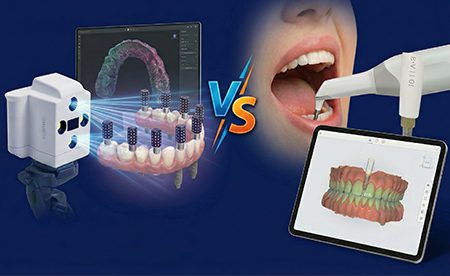
Digital impressions are the cornerstone of the digital denture process. Dentists can use intraoral scanners (IOS) to capture detailed, high-resolution 3D images of the patient’s soft tissue, ridges, palate, and anatomical landmarks.

Key benefits include:

  • Superior precision: IOS technology eliminates the distortion risks familiar with traditional impression materials.
  • Better dental lab communication: Digital files facilitate seamless collaboration between dentists and the dental lab, reducing miscommunication.
  • Enhanced patient experience: Patients no longer endure uncomfortable trays or gag-inducing materials.
  • Record preservation: Digital scans can be archived indefinitely, allowing for easy access and future reference.

However, the quality of the final denture is only as good as the initial scan. That’s why mastering digital impression techniques is vital.


Step-By-Step: How To Take Optimal Digital Impressions for Dentures

1. Patient preparation

Before beginning the scan:

  • Conduct a thorough oral assessment. Identify any lesions, sore spots, or excess soft tissue that may affect the scan.
  • Ensure soft tissue health. If the patient has inflamed or mobile tissues, address these issues beforehand.
  • Educate the patient about the process to reduce anxiety and promote cooperation during scanning.

2. Equipment setup

  • Calibrate your intraoral scanner per the manufacturer’s instructions before each use.
  • Verify that your scanning software is up to date and correctly configured for denture workflows.
  • Make sure the scan tip and camera are free of debris, smudges, and scratches that could cause inadvertent distortions.

3. Scanning technique

The scanning process depends on whether the patient is dentate, partially dentate, or edentulous.

A. Dentate or partially dentate patients
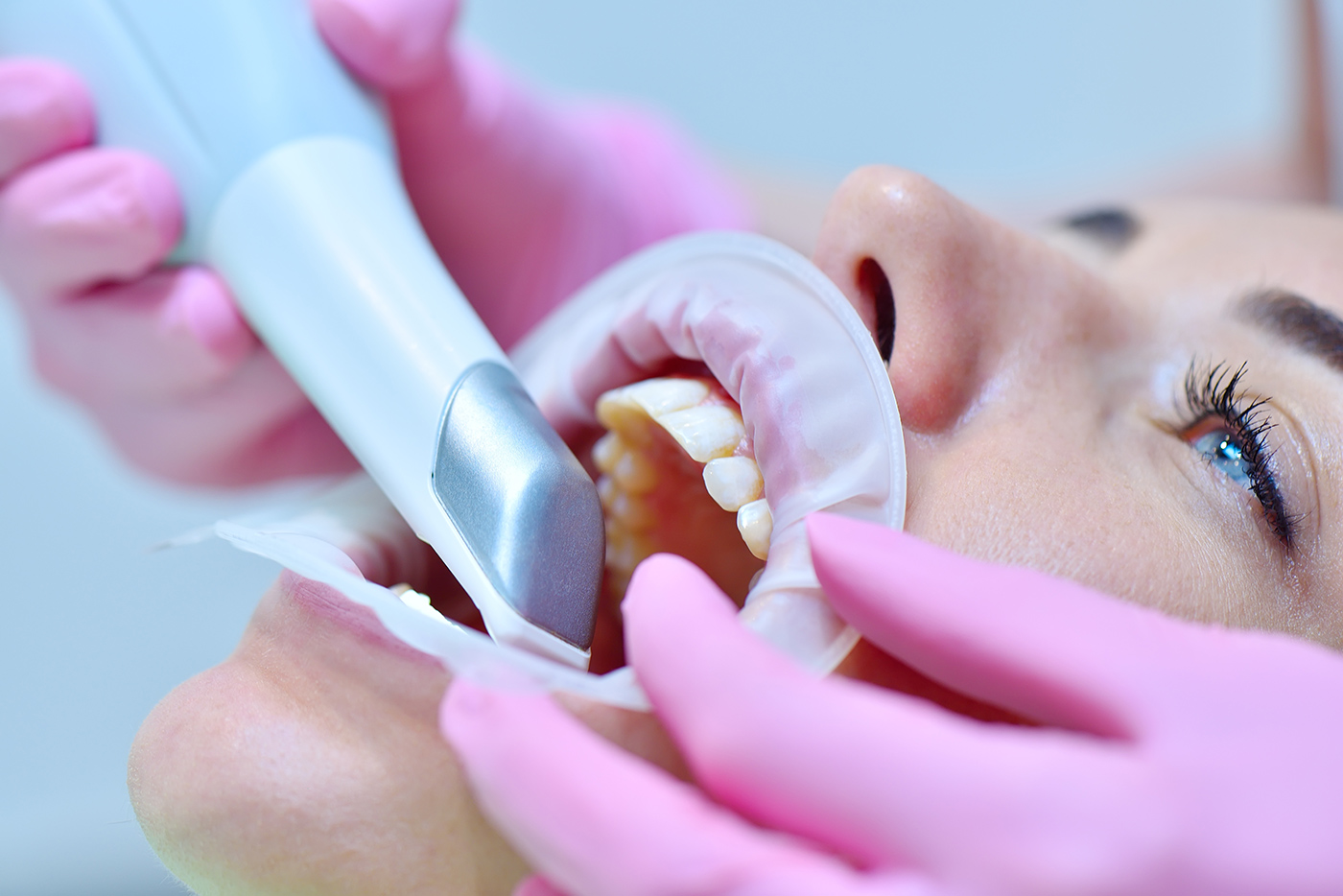
  • Arch Scanning
  • Capture as much hard and soft tissue as possible, ensuring adequate common data between pre-operative and post-operative scans.
  • If critical areas are missing, scans cannot be accurately cross-mounted, and the software cannot recreate absent anatomy.
  • The denture will only be fabricated as far back as the scan data provided. Include all relevant anatomy—no palate in the scan means no palate in the denture.
  • Bite Scanning
  • Keep the scanner parallel to the axial wall when scanning teeth to maximize shared and duplicate data and improve automatic arch correlation.
  • Most systems require two bite scans (left and right); dynamic bites are optional.
  • Scan in small groups (two upper and two lower) rather than across the entire arch to avoid inaccurate bite representation. Only provide the requested software with the bite data.
  • Lab Submission
  • Send all scans to the dental lab.
  • Include photos when possible to assist in the design process.
Mastering Digital Denture Workflows: A Guide for Dentists on Taking Digital Impressions - Burbank Dental Lab

B. Edentulous patients

  • Using existing dentures
  • When possible, use the patient’s current dentures, even if broken or poorly fitting.
  • Repair or trim as needed to improve intraoral fit.
  • Relining and scanning
  1. Load dentures with impression material and take a reline impression.
  2. Repeat for the opposing denture if present.
  3. With dentures in place, record a bite scan in the patient’s mouth.
  4. Remove dentures and scan them according to software prompts, starting from the occlusal side and working around to the intaglio surface.
  5. Correlate the denture scan to the bite in the software.
  • Lab submission
  • Provide the lab with the scan files, the detailed prescription, and photos—especially of the dentures in occlusion inside the patient’s mouth.
Meet with Our Expert Case Planning Team

Speak to Technical Support

Call us at

(800) 336-3053

Best Practices for Digital Impression Success

To ensure your digital impressions support predictable denture fabrication:

  • Keep the field dry: Use cotton rolls, cheek retractors, or isolation devices to minimize saliva interference.
  • Move smoothly: Adopt a steady, continuous scanning motion to avoid stitching errors.
  • Regularly maintain equipment: Clean scanner optics daily and service devices per manufacturer guidelines.
  • Stay educated: Attend training sessions, webinars, or workshops on advanced intraoral scanning techniques.

FREE TO DOWNLOAD – SUCCESS GUIDES

DOWNLOAD SUCCESS GUIDES

DOWNLOAD A GUIDE


How Digital Impressions Enhance the Laboratory Workflow

Once your digital impressions are submitted:
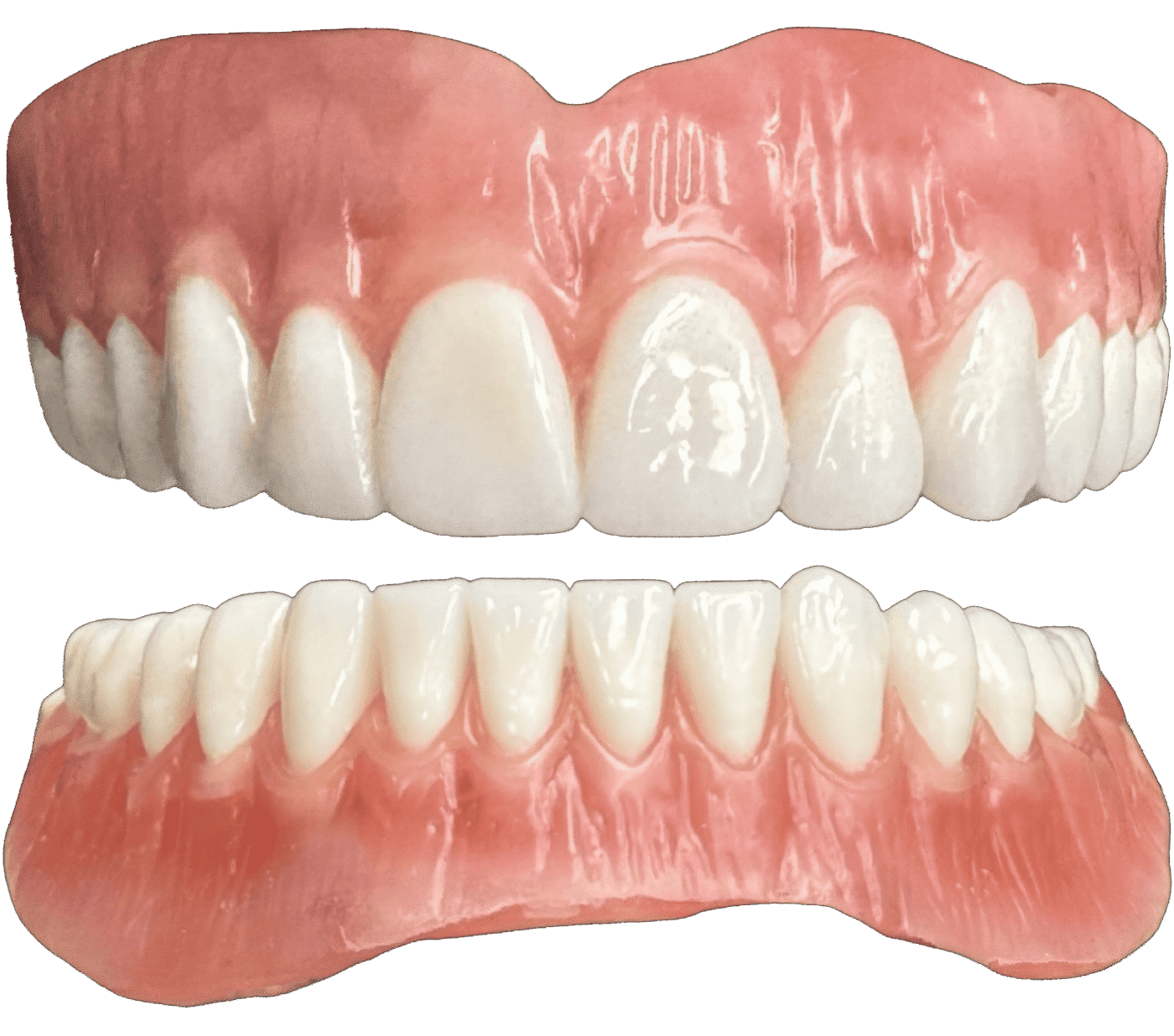
  1. CAD design: The lab uses advanced software to design the denture base and teeth positioning, considering occlusion, esthetics, and patient-specific parameters.
  2. CAM fabrication: Depending on the case requirements, the design is either milled or 3D printed with biocompatible materials.
  3. Clinical try-in: A prototype may be created for verification before the final prosthesis.
  4. Final denture delivery: The completed denture offers exceptional fit, durability, and esthetics.
Mastering Digital Denture Workflows: A Guide for Dentists on Taking Digital Impressions - Burbank Dental Lab

This seamless communication between clinic and lab reduces turnaround times, minimizes remakes, and elevates patient satisfaction.

BURBANK DENTAL
LAB WAS VOTED

TOP 5 DENTAL LABS

IN AMERICA

SOURCE: DENTAL COUNTRY™


Choosing the Right Scanner for Dentures

When selecting an IOS system for denture workflows, prioritize:

  • Full-arch scanning capabilities
  • Accuracy in capturing soft tissue detail
  • Ease of use and ergonomic design
  • Compatibility with major CAD/CAM systems

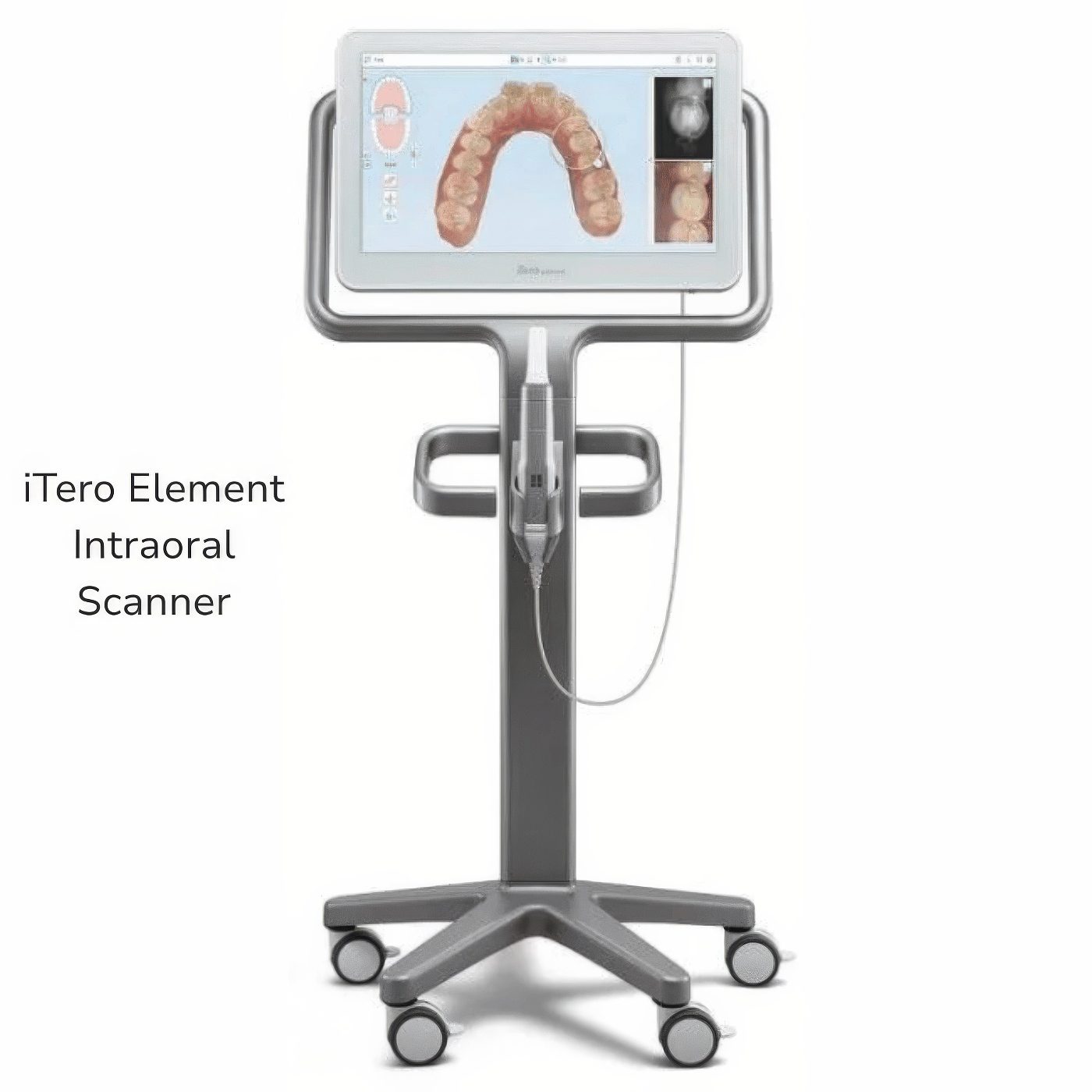
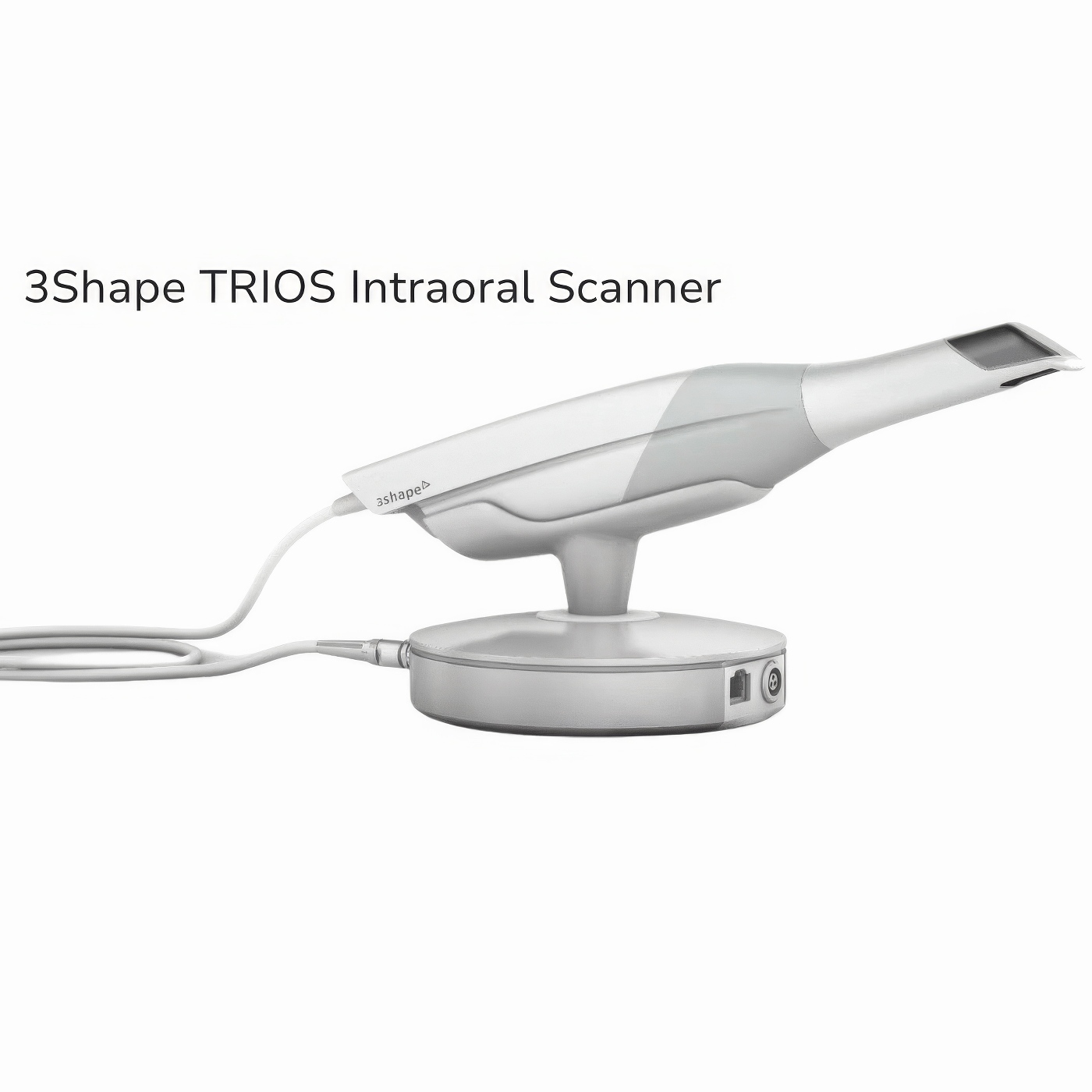
Popular scanners, such as the iTero, 3Shape Medit, and Cerec, have significantly advanced edentulous scanning workflows.
Mastering Digital Denture Workflows: A Guide for Dentists on Taking Digital Impressions - Burbank Dental Lab

3 Shape TRIOS

Mastering Digital Denture Workflows: A Guide for Medit i700 - Dentists on Taking Digital Impressions - Burbank Dental Lab

Medit i700

Mastering Digital Denture Workflows: A Guide for Dentists on Taking Digital Impressions - Burbank Dental Lab

iTero Element

Burbank Dental Lab can assist if you need scanner recommendations or tailored advice for your practice.


Training Your Team – A Critical Success Factor

Successful digital workflows don’t just rely on equipment—they depend on people. Dentists who invest in training their entire team see better results and faster adoption.

Consider:

  • Hands-on training for both dentists and assistants.
  • Standardized scanning protocols for all team members.
  • Ongoing education to keep up with software and hardware updates.

A well-trained team reduces chair time, avoids costly scanning errors, and improves the patient experience.

Digital denture workflows and digital impressions are no longer the future—they’re the standard of care in modern prosthodontics. By mastering intraoral scanning techniques and partnering with a trusted lab like Burbank Dental Lab, dentists can deliver dentures that exceed patient expectations for fit, function, and esthetics.

Are you ready to elevate your denture cases?

Contact Burbank Dental Lab today to discuss how digital impressions and cutting-edge denture workflows can transform your practice.

Meet with Our Expert Case Planning Team

Speak to Technical Support

Call us at

(800) 336-3053

Digital denture workflows
and digital impressions
are no longer the future —
they’re the standard of care
in modern prosthodontics.
Why I Trust and Use Burbank Dental Lab - by Dr. Mike Golpa, DDS

FAQ


BLOG ARTICLES

Digital Denture Workflows: Taking Digital Impressions

Digital Dentures: Advancements in Denture Technology

Ivoclar Digital Denture Workflow for Success

A Digital Denture Workflow Done in 3 Appointments

Hybrid Dentures Explained

PRODUCTS

Dentures

Ivoclar Digital Denture

Valplast Partial Denture

Denture Over Implant Bars

REQUEST A QUOTE FOR THIS PRODUCT

REQUEST THE BURBANK DENTAL LAB FEE SCHEDULE

ORDER FEE SCHEDULE HERE

REQUEST FEE SCHEDULE

We Appreciate You Sharing This Product

SHARE X LinkedIn
Previous Post:

NEED HELP CHOOSING THE PERFECT PRODUCT?

Would you like to speak with an expert now?

SPEAK TO TECHNICAL SUPPORT

Would you like to schedule a call?

SCHEDULE A CALL

Speak to Technical Support

Call us at

(800) 336-3035

Schedule A Call